
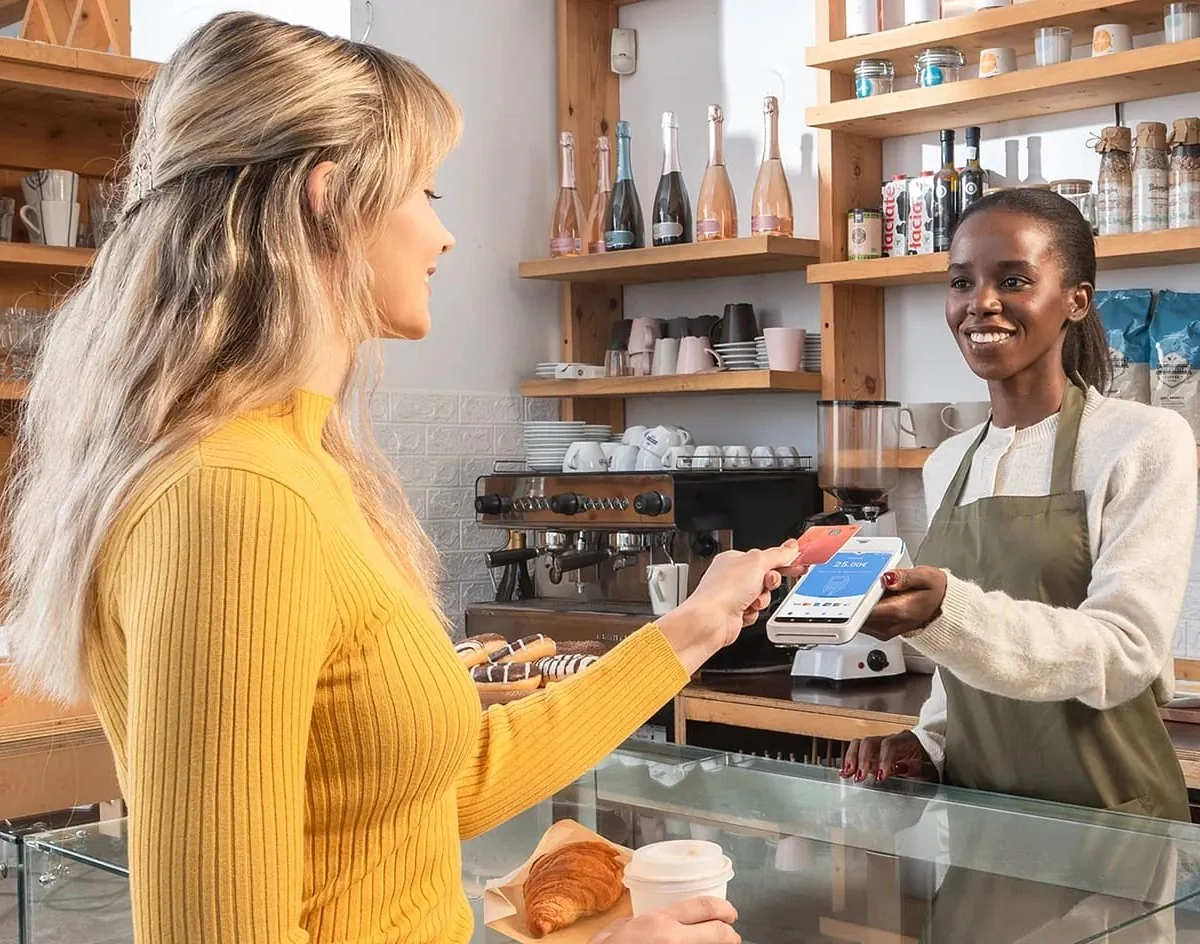
You don't need to be trading already to get a card machine. Most applications ask for the same handful of things: details about your business, details about you, proof of who you are and where you live, and proof of the bank account your takings will be paid into. Have those ready before you apply.
Here's exactly what to expect, how to keep your documents safe, and how to choose your first setup.
You don't need to be trading yet
New businesses can arrange a card payment setup before they start taking payments. That means you can have your machine ready for opening day rather than turning card customers away in your first week.
If you're starting out as a sole trader, it's worth getting your basics straight at the same time. GOV.UK says you can start trading straight away without registering, but you must register for Self Assessment once you earn more than £1,000 in a tax year, and you must keep records from the day you start trading [1]. A card machine helps here, because every card sale is recorded for you.
What you'll be asked for
When you apply for a card machine with TrustPOS, the application covers three areas.
About your business
- Your business name, and the name you want printed on customer receipts.
- Your legal structure, for example sole trader, partnership or limited company.
- Your business address.
About you
- Your full name and date of birth.
- Your home address.
- Your email address and mobile number.
Your bank and your proofs
- Payout bank details: the account your card takings will be paid into.
- Proof of banking: showing the account is real and in the right name.
- Proof of identity.
- Proof of address.
Different providers ask for slightly different documents, so we'll tell you exactly what's needed for the setup you choose before you send anything.
Don't have a business bank account yet?
Your takings have to be paid into a bank account, so you'll need one set up. If you're opening a business account anyway, myPOS includes a free business account with its card machine, and card takings settle instantly into your myPOS account, seven days a week.
Keep your documents safe
Applying means sharing personal documents, so be careful how you send them:
- Only use the secure route the card provider approves. Don't send ID or bank documents by ordinary email, social media messages or chat apps unless the provider has said that's their approved method.
- Send only what's asked for. For proof of banking, you usually only need to show the account holder's name, the sort code and the account number. Cover up transactions and anything else that isn't needed.
- Be wary of anyone who rushes you into sending documents before you've even seen a price.
Choosing your first card machine
For most new businesses, the right first setup depends on how you'll trade:
- Starting small, seasonal or on the move? Shift4 Solo is a free card machine with no monthly machine cost at 1.25% per transaction with no authorisation fee. It has a built-in 4G SIM, so no Wi-Fi is needed, subject to coverage. See our guide to card machines for market stalls and food trucks if you'll trade at events.
- Expecting steady, higher volume from day one? myPOS Ultra is £20 a month plus VAT, with 0.32% plus 3p on debit cards and 0.62% plus 3p on credit cards. Its card fees have a £20 monthly minimum: if the calculated fees are lower, you pay the difference.
- Opening a café, restaurant or takeaway that needs a full till? Shift4 Dine is a full till system for £39 a month plus VAT, with no upfront costs, at 0.9% plus 2p per transaction. We install it on-site with your menu already loaded. It's a 12-month agreement, and leaving early costs the monthly rental for each month remaining. Our guide to what a restaurant till costs explains the bigger picture.
If you'll be working on the move, our guide to taking card payments on the go compares the options for self-employed and mobile businesses. Already using SumUp? See SumUp vs Shift4 Solo.
How it works with TrustPOS
- Talk it through first. Tell us how you'll trade and what you expect to take, and we'll explain the options and costs. No documents are needed at this stage.
- Apply only if you want to go ahead. We'll tell you exactly what's needed and how to send it securely.
- The provider completes onboarding, and your setup is arranged.
New business checklist
- Decide how you'll trade: fixed counter, on the move, or full till.
- Get your bank account ready for your takings.
- Have your ID and proof of address to hand.
- Know your legal structure and the name for your receipts.
- Send documents only through the approved secure route.
Sources
- GOV.UK: set up as a sole trader, checked 16 October 2026
This guide is general information, not financial advice. Any saving depends on your current charges, card mix and final terms.