
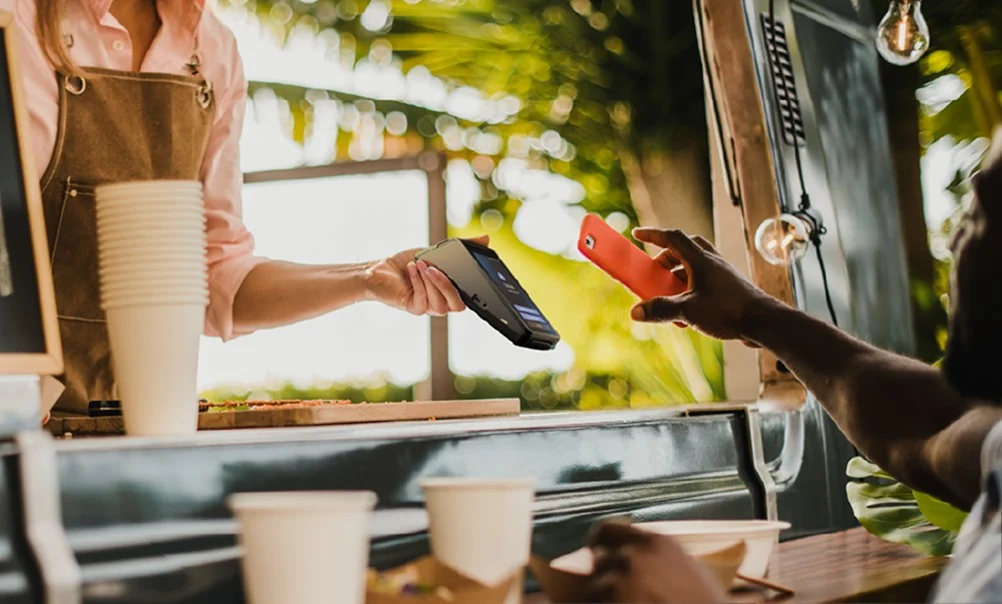
There are four ways to take card payments on the go: Tap to Pay on your own phone, a card reader that pairs with your phone, a standalone card machine with its own mobile connection, or a payment link the customer pays on their phone. For most self-employed people the choice comes down to three things: how you'll connect away from Wi-Fi, what each payment costs, and whether there's a monthly fee.
This guide is for mobile hairdressers, cleaners, dog walkers, tradespeople, personal trainers, market traders and anyone else who gets paid away from a shop counter.
The four ways to take card payments on the go
| Option | What you need | Good for | Watch out for |
|---|---|---|---|
| Tap to Pay on your phone | A compatible phone and a provider's app | The odd payment, no kit to carry | Uses your phone's battery and data; contactless only on the phone itself |
| Card reader paired with your phone | A small reader plus your phone | Low-cost entry | Relies on your phone's signal and battery as well as the reader's |
| Standalone card machine | A machine with its own SIM | Regular trading away from Wi-Fi | Check coverage where you work |
| Payment link | A provider account | Deposits, invoices and paying before you arrive | Remote-payment pricing can differ from in-person rates |
Tap to Pay on your phone
Some providers let you take contactless payments on your own phone with no reader at all. SumUp, for example, lists Tap to Pay at £0 up front [1]. You still pay a fee on each payment, and you need your phone charged and connected, so it suits occasional payments better than a busy day.
A reader that pairs with your phone
A small reader connects to your phone by Bluetooth and uses your phone's connection. SumUp's Solo Lite, for example, needs a phone [1]. A reader that relies on your phone also relies on your phone's battery and data, which matters if you work in rural areas, basements or car parks.
A standalone card machine with its own SIM
A standalone machine with a built-in SIM takes payments without your phone or Wi-Fi, subject to mobile coverage. It's the steadier option if you take payments every day, or if you don't want your personal phone tied up at the till.
A payment link
A payment link lets the customer pay on their own phone, which works for deposits, invoices and jobs you quote before arriving. Our phone-payment guide explains how to use links safely.
What it costs to take card payments on the go
There's no completely free way to take card payments. Even where the reader or app costs nothing, each payment carries a fee. At the time of writing (November 2026):
- Square charges 1.75% for in-person payments with UK cards [2].
- SumUp charges 1.69% on its pay-as-you-go plan with no monthly fee [3].
- Shift4 Solo, through TrustPOS, charges 1.25% per transaction with no authorisation fee and no monthly machine cost.
Example: a mobile hairdresser takes £2,000 a month on card across 60 appointments. Here's what each rate costs in card fees.
| Pricing | Monthly card fees | Over a year |
|---|---|---|
| 1.75% (Square, in person) | £35.00 | £420.00 |
| 1.69% (SumUp pay-as-you-go) | £33.80 | £405.60 |
| 1.25% (Shift4 Solo) | £25.00 | £300.00 |
Your own figures will differ, and the reader price, monthly fees and agreement terms all belong in the comparison too.
Watch for monthly fees as well as the rate. A subscription can lower the percentage, but the fee is due in quiet months too. Our market stall and food truck guide shows how that plays out across busy and quiet months.
What to check before you choose
- Coverage where you work. Test the signal at your usual jobs, not just at home.
- Battery. Will the machine, and your phone if it relies on one, last your longest day?
- The contactless limit. For most contactless cards the limit is £100 [4]. Make sure you can take chip and PIN for bigger jobs.
- Receipts. Can customers get a receipt by text or email, or printed?
- Payouts. When does the money reach the account you pay your bills from?
- Agreement. Is there a contract, how long is it, and what does leaving cost?
If you're just starting out, our guide to what a new business needs to get a card machine covers the application itself.
Quick answers
What is the best card machine for self-employed people?
It depends on how often you take payments. For occasional payments, Tap to Pay on your phone or a phone-paired reader keeps upfront costs low. If you take payments most days away from Wi-Fi, a standalone machine with its own SIM is steadier. Compare the rate, monthly fees and agreement, not just the reader price.
Can I take card payments on my phone?
Yes. Some providers offer Tap to Pay, which turns a compatible phone into a contactless reader, and you can also send a payment link for the customer to pay on their own phone [1].
How can I take card payments without Wi-Fi?
Use a card machine with a built-in SIM, or a reader that uses your phone's mobile data. Either way, check mobile coverage where you'll be working.
Is there a free way to take card payments?
Not completely. Some readers and apps cost nothing up front, but providers charge a fee on each payment [1][2][3].
Where Shift4 Solo fits
TrustPOS supplies the Shift4 Solo, built for new, seasonal and mobile businesses:
- A free card machine with no monthly machine cost.
- 1.25% per transaction, no authorisation fee.
- A built-in 4G SIM, so no Wi-Fi is needed, subject to coverage.
- Point-of-sale software on the machine: a menu of up to 50 items, plus manual payments and payment links.
- An 18-month agreement with free cancellation at any time. We confirm the notice and machine-return steps before you apply.
Delivery and setup are free. Whether Solo costs less than what you use now depends on your takings and current charges, so compare it on your own numbers with the savings checker.
Sources
- SumUp card readers (UK), checked 5 November 2026
- Square pricing (UK), checked 5 November 2026
- SumUp pricing (UK), checked 5 November 2026
- UK Finance: contactless payments, checked 16 October 2026
This guide is general information, not financial advice. Any saving depends on your current charges, card mix and final terms.